All projects

Case study

OS

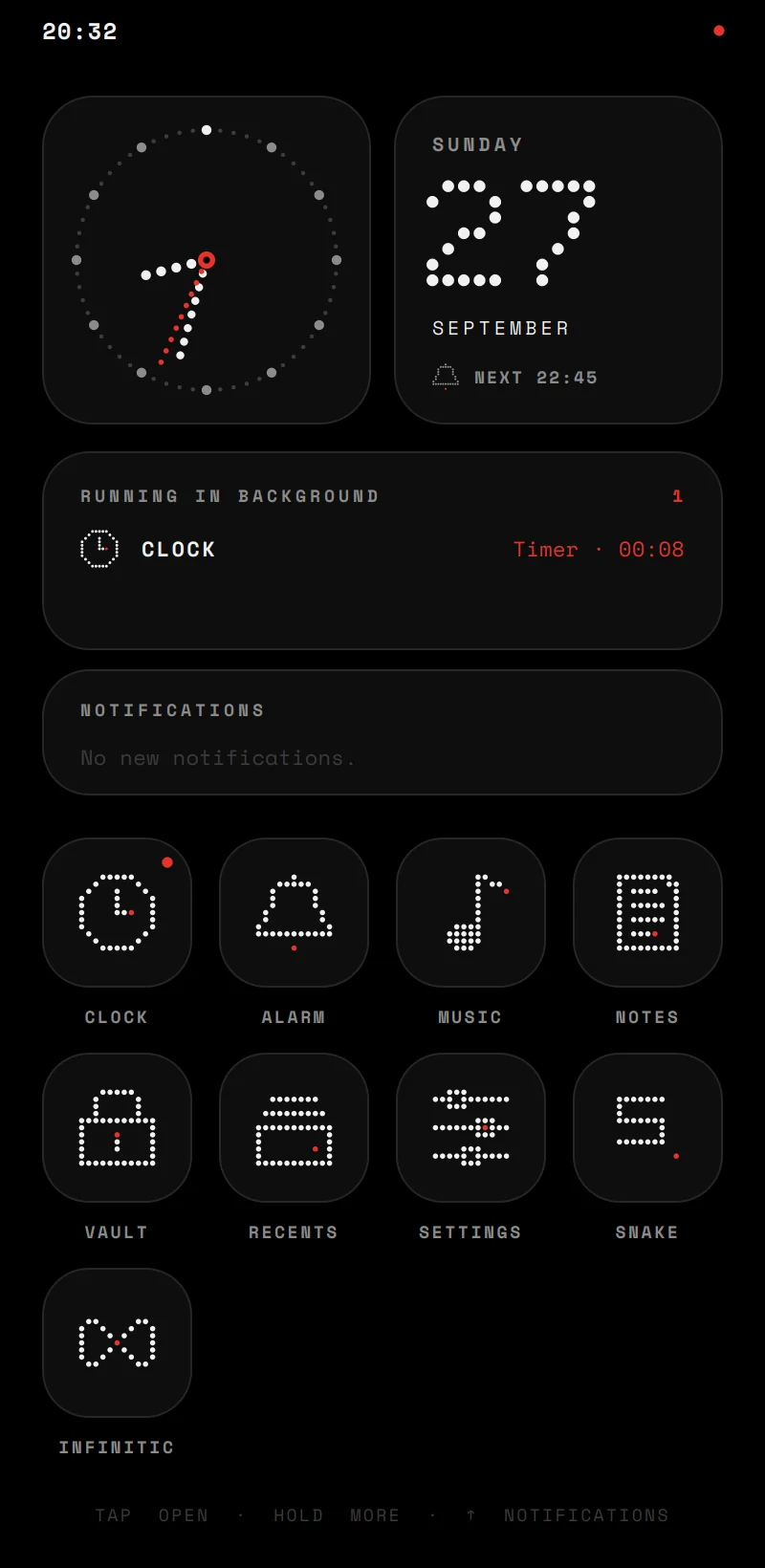
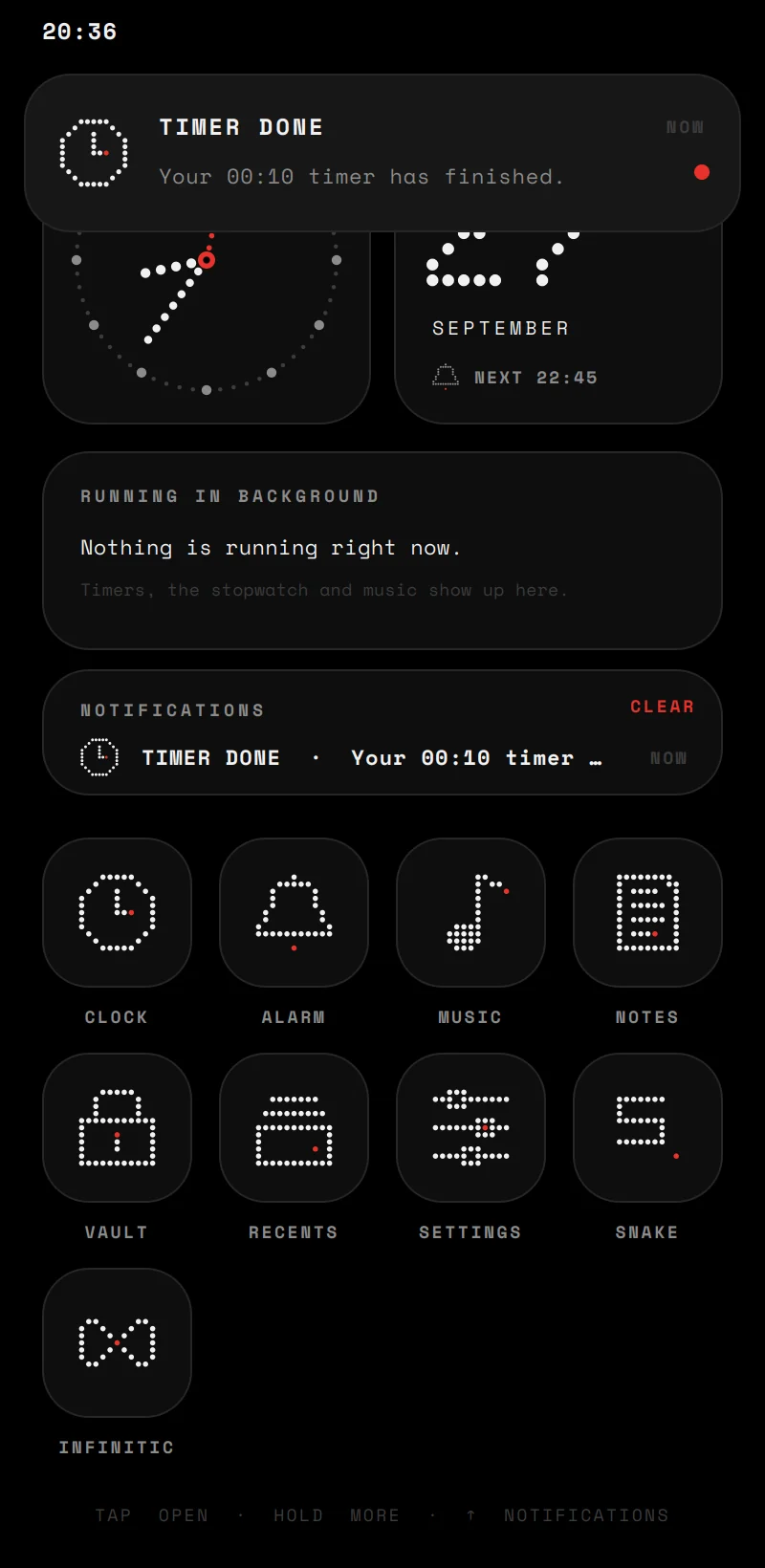
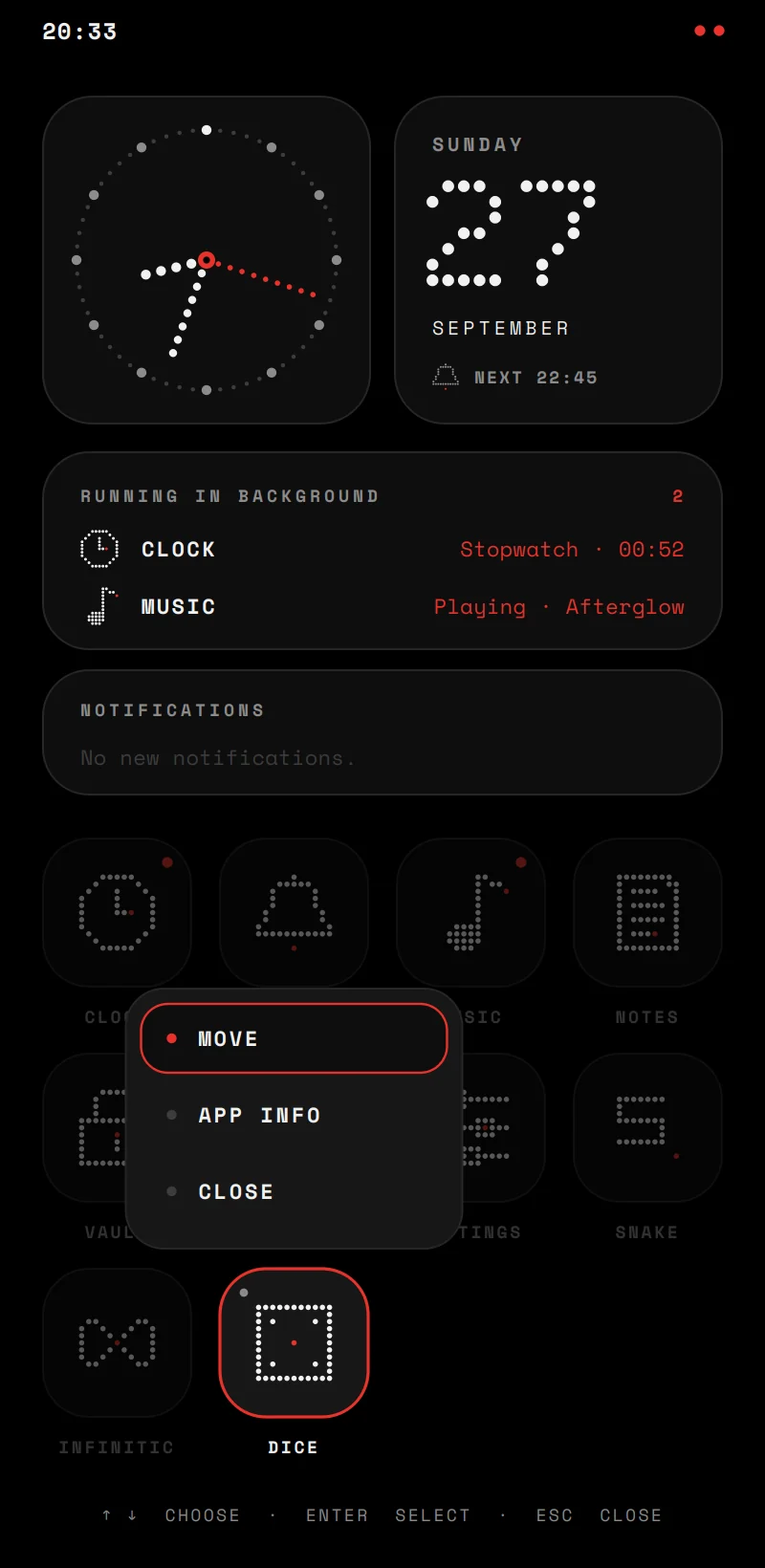
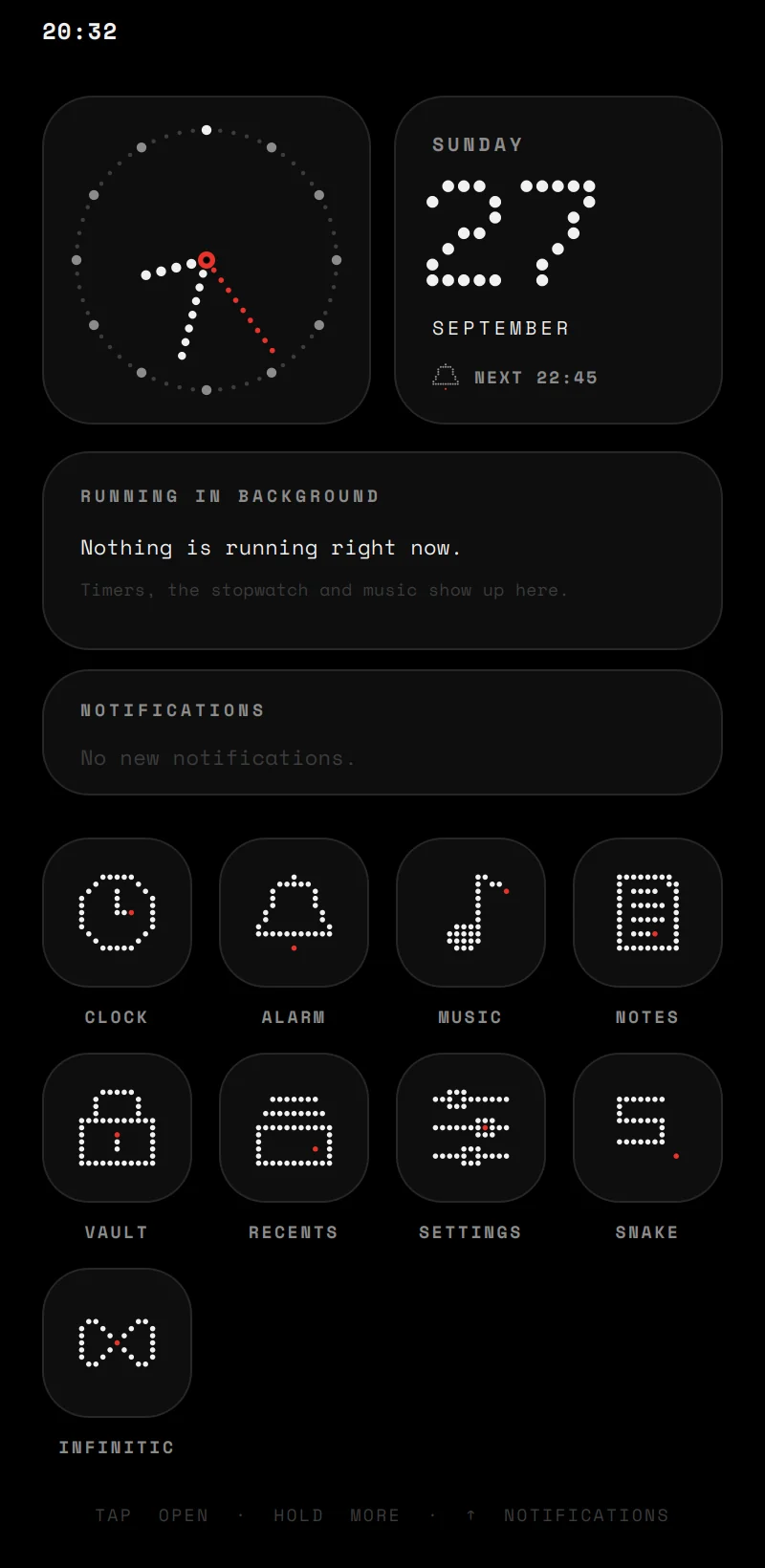
The OS home screen: an analog clock, the date, what is running in the background, notifications and the app grid, all drawn in dots

What it is

OS is a small operating system shell for the desktop, written in C++20 with Qt 6. It is not a kernel: it is the part you see and use. Apps open, pause, keep working in the background and get closed; they post notifications, keep their data in their own folder, and ask before they use anything that is not theirs.

It started as my first C++ project, a menu with a clock in it. I rebuilt it around a real app model, then added the parts that make it an operating system rather than a launcher.

Role
Solo: design and code
Type
Desktop OS shell, 10 apps
Stack
C++20, Qt 6, CMake, Monocypher
Platforms
Windows and Linux

Apps that keep running

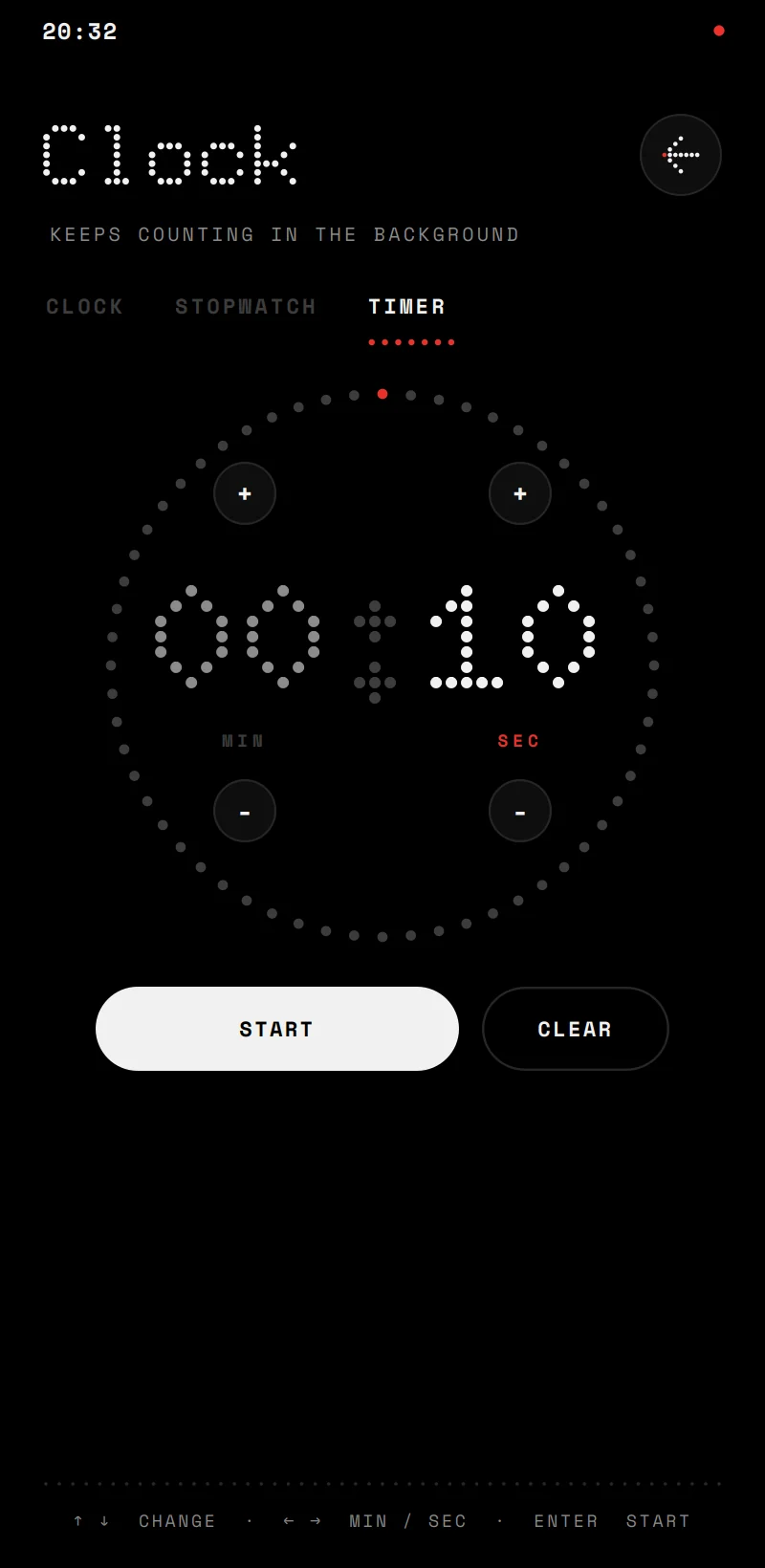
Every app follows the same contract. The OS creates it when it opens, tells it when it moves to the background or comes back, and destroys it when it is closed. Leaving an app does not close it: a game pauses, a timer keeps counting, music keeps playing.

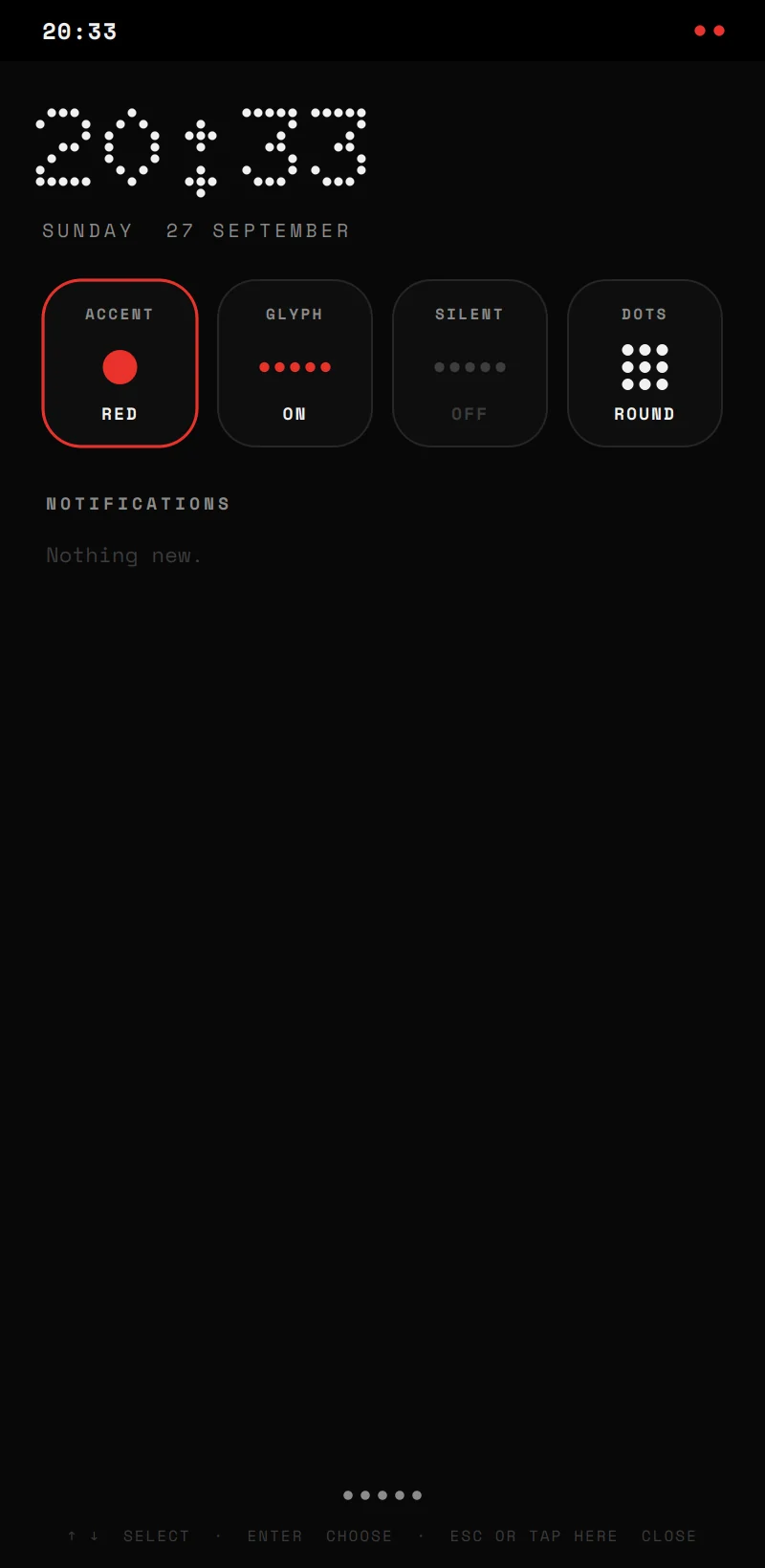
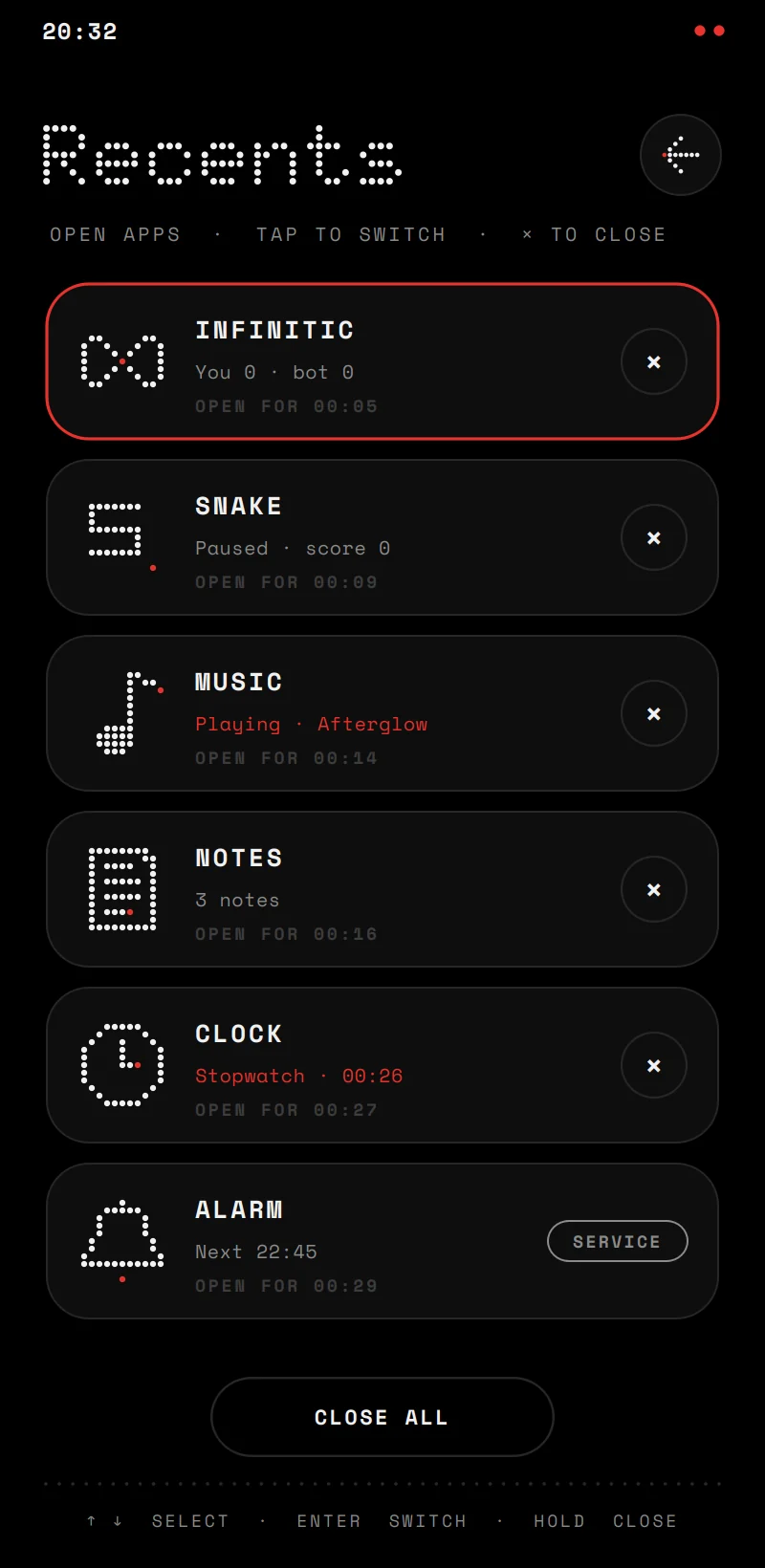
That is what makes the rest possible. When a timer ends while you are in another app, the OS rings and shows the notification over whatever is on screen. Alarm is a service that starts with the OS, so alarms ring even if the app was never opened. The home screen shows what is working right now, and Recents shows every app still open.

The home screen while a timer counts down in the background The timer's notification on top of the home screen

Everything is dots

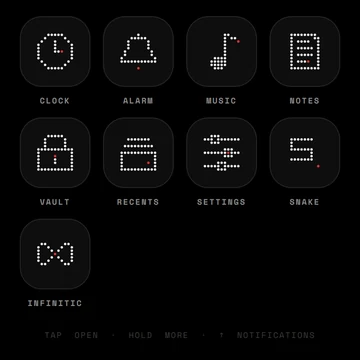
The look comes from Nothing's phones, but nothing in it is borrowed. Every icon is an 11 by 11 grid with exactly one red dot, and one renderer draws them, along with the clock rings, the spectrum and the transitions between screens.

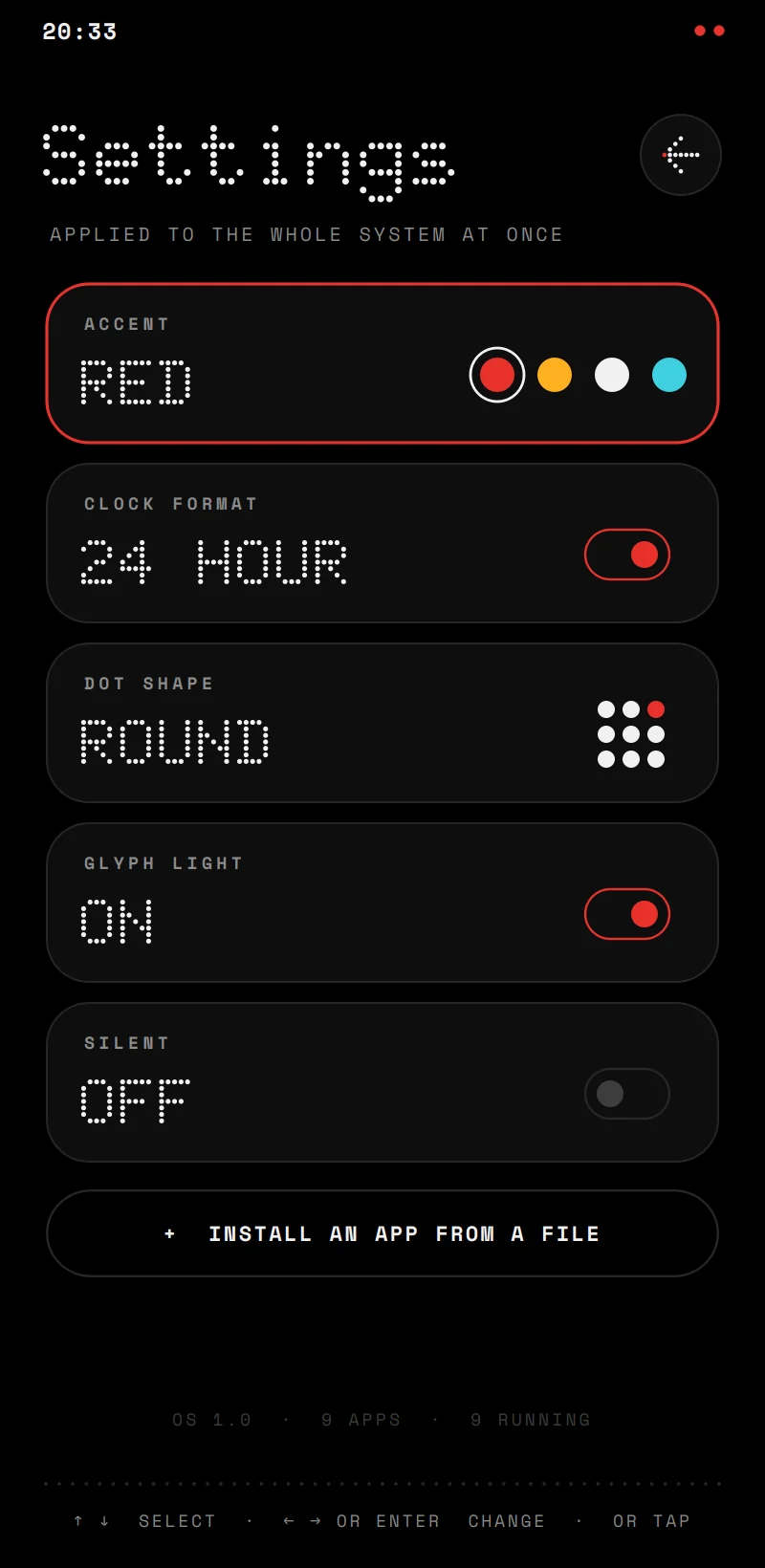
Because everything goes through that one renderer, one setting can change all of it at once. The icons here are the OS's own, taken from its source. Try its two settings.

The OS's app icons, each drawn as a grid of dots

A vault that cannot read itself

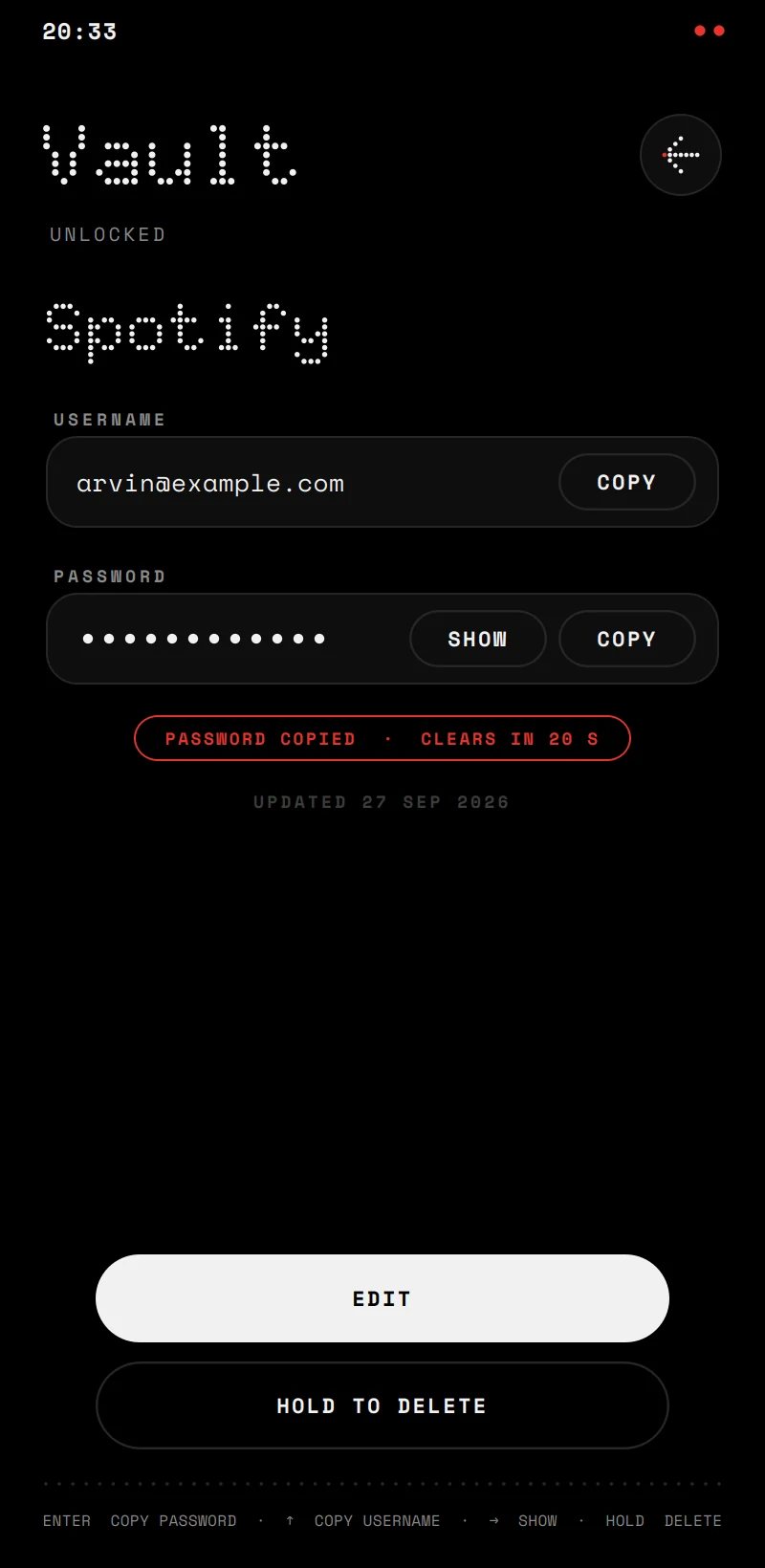
Vault keeps passwords in one file, and the master password is never stored anywhere. A key is derived from it with Argon2id, deliberately slow and memory-hungry: each guess costs 64 MB and a fifth of a second, so trying passwords against a stolen file is impractical. Everything is then encrypted with XChaCha20-Poly1305, with a fresh nonce on every save.

A wrong password, or a single changed byte anywhere in the file, makes it refuse to open. That is also how a wrong password is noticed: there is no password hash to attack. The key lives in memory only while the vault is open, and it locks the moment you leave it.

OSVT4 version1 memory4 passes4 salt16 nonce24 tag16 encrypted itemsthe rest

readable, but protected by the tag checked and encrypted Numbers are sizes in bytes.

A spectrum that is real

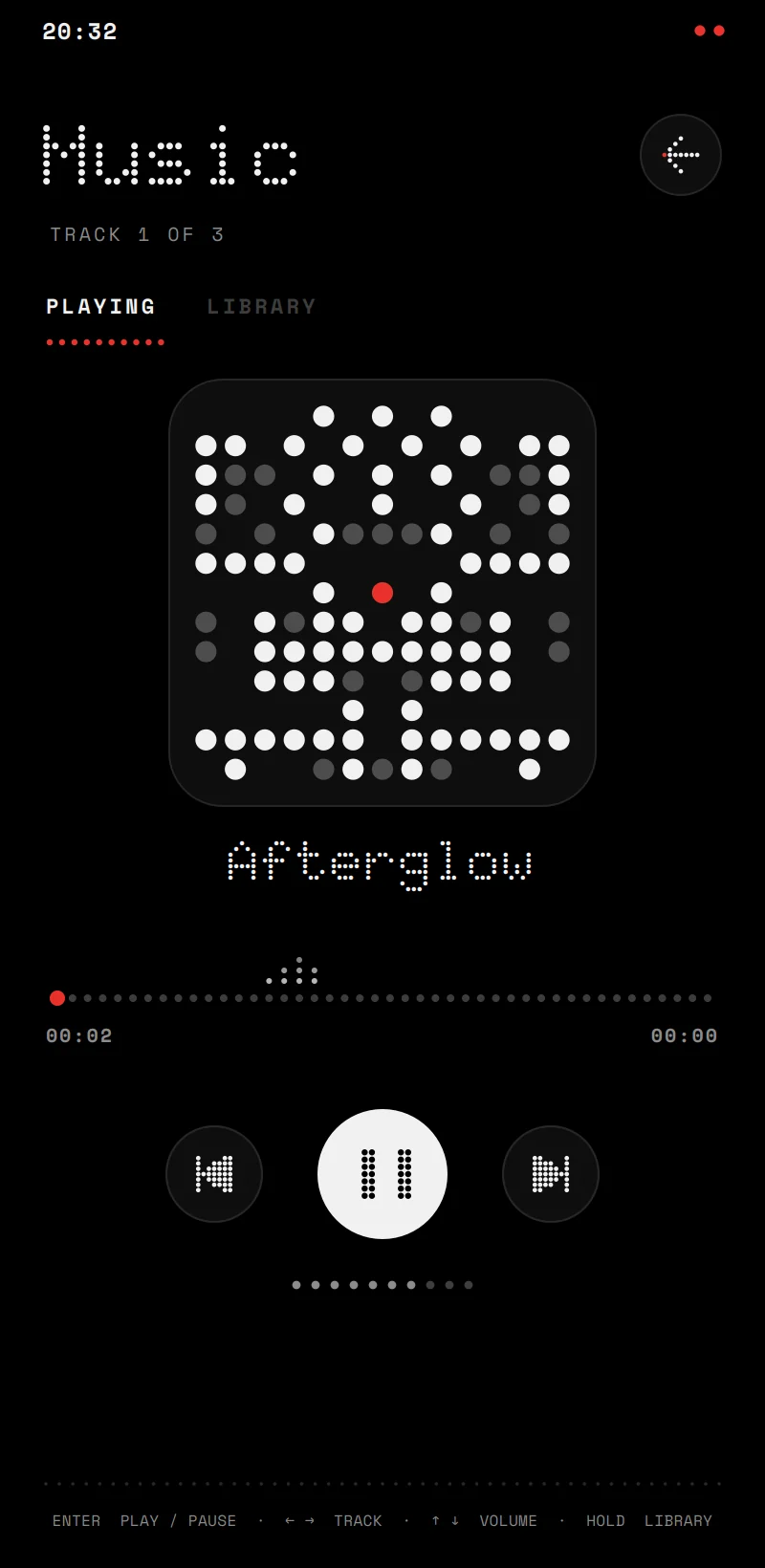
The bars under the music player are not an animation. When a track loads, it is decoded in the background, faster than it plays; every 40 ms of sound goes through an FFT, and the energy in 20 bands from 40 Hz to 16 kHz is kept. The player shows the slice at the playing position.

To prove it, a test file plays three pure tones. Each lands in the band the formula predicts.

220 Hzband 5
1 kHzband 10
5 kHzband 16
Measured by the analyser: 20 bands, low to high. The red dot is the loudest band.

Apps from a file

The OS's core is a shared library, oskit, and an app can be built against it on its own. Install it from Settings: the OS reads the file's description without running any of its code, checks that it is an app for this OS, copies it into its own folder and puts it on the home screen. Uninstalling closes it, unloads it and removes its files, data and permissions.

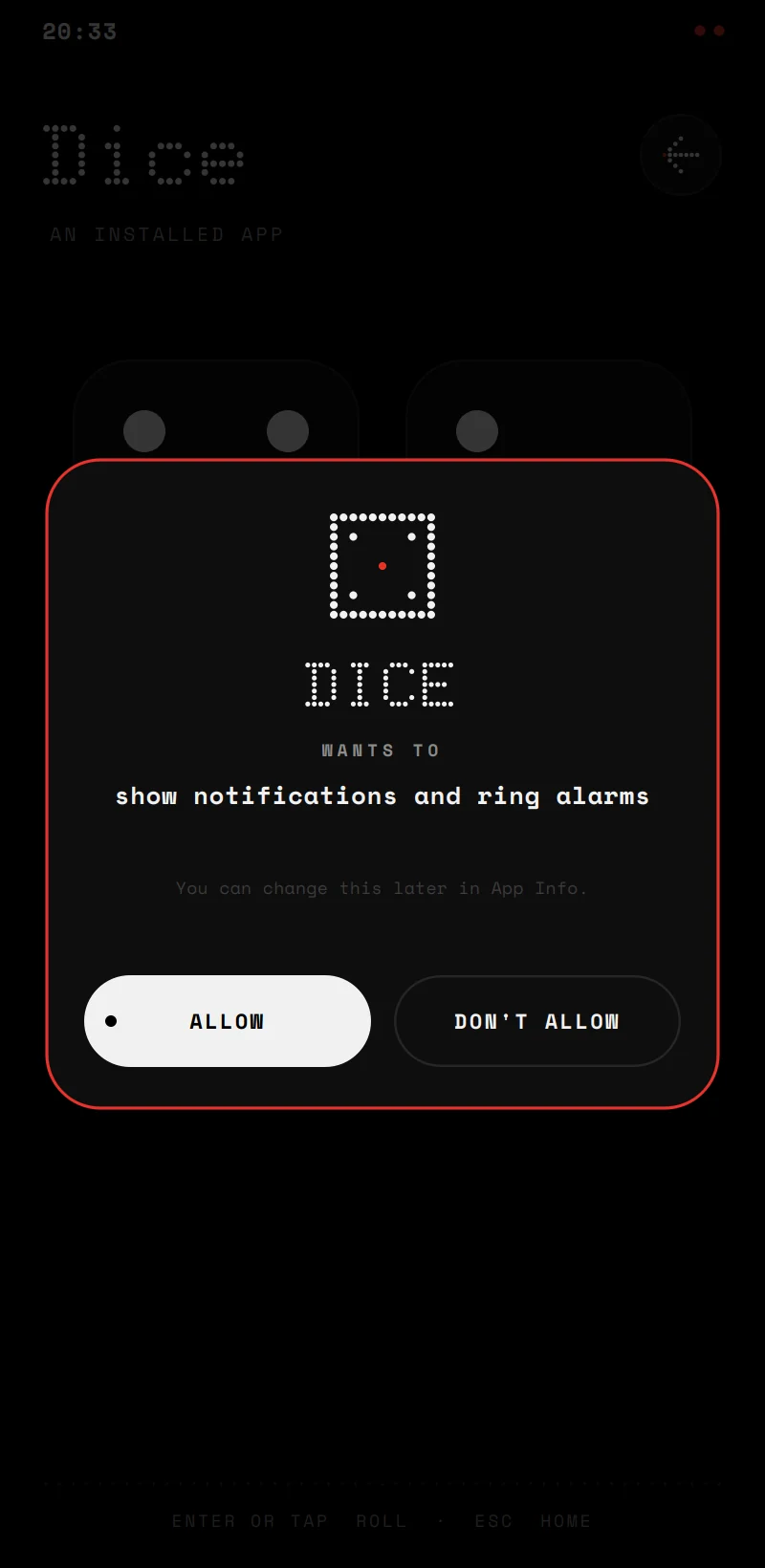
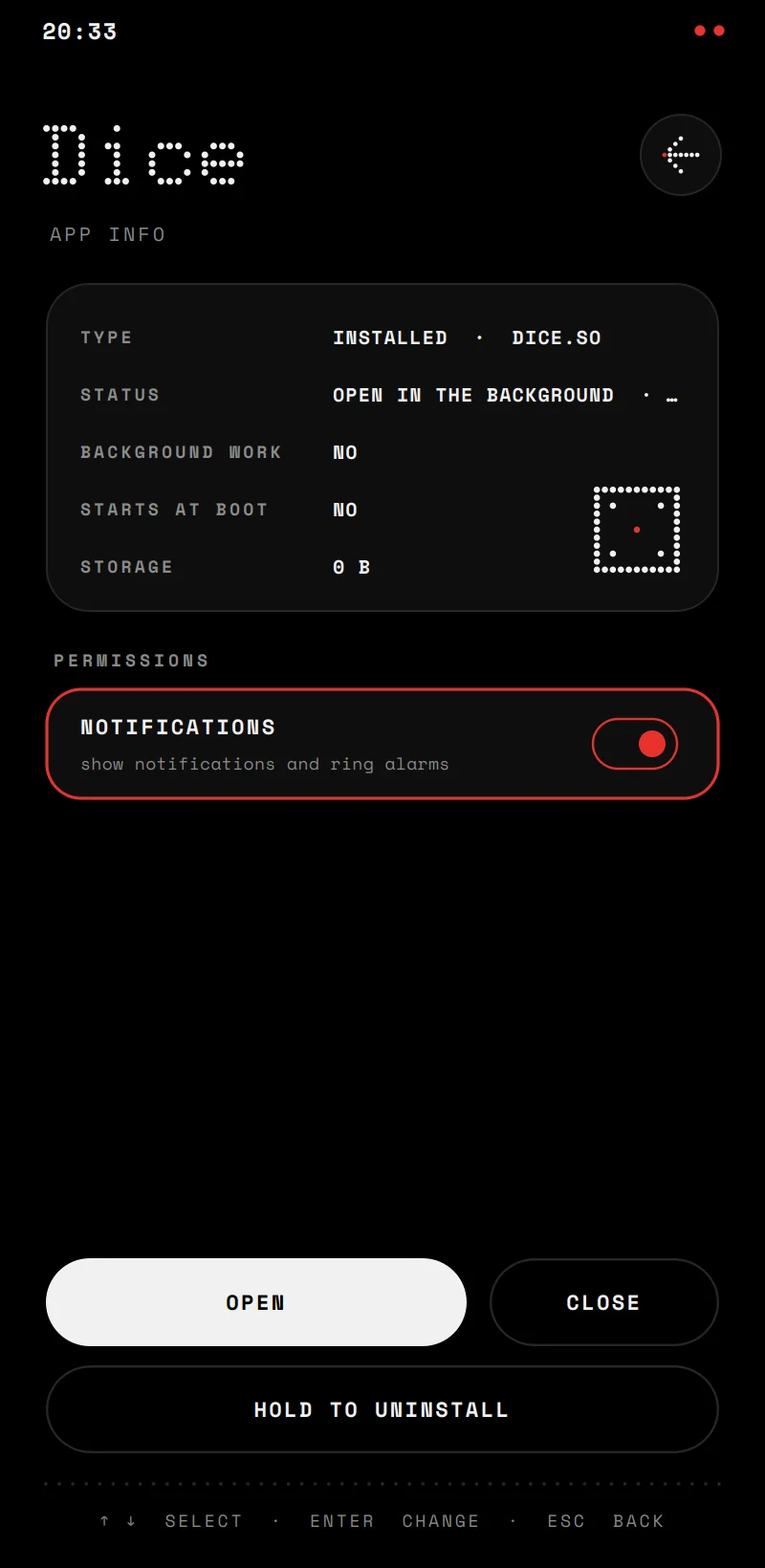
An app lists what it may ask for. Built-in apps come with theirs; an installed app asks the first time, and every answer can be changed in App Info. One honest limit: an installed app is native code in the same process, so the permissions govern the OS's services, not the machine. Real operating systems run each app in its own process for that reason.
An installed app asking for permission to show notifications App Info: the app's state, its storage and a permission that can be switched off

Two bugs worth telling

Enter pressed once, counted twice

What happened
Creating a vault with Enter locked it straight away, and saving an item copied its password.
Why
A text field ignores Enter, so Qt passes the same key on to its parents, where it counted again. Qt stops passing a key only when it is both filtered and marked accepted.
Found by
Tracing every key event: two theories were wrong before the third was right.

Signals that failed only on Windows

What happened
An installed app reached the home screen only after a restart, and some notifications never appeared.
Why
Without explicit exports, Windows shows a DLL's functions to the program through stubs at other addresses, and Qt compares addresses to connect a signal. The connections failed without a word.
Fix
Every public class is marked OSKIT_EXPORT, and the library is built with hidden symbols everywhere, so a missing mark fails the build on Linux too.

Before calling it done, the whole OS ran through a scripted tour of every screen under AddressSanitizer and UndefinedBehaviorSanitizer: no memory errors, no undefined behaviour and no leaks from its own code.

Built with

APP
  • C++20
  • QtQt 6
SECURITY
  • Monocypher
  • Argon2id
BUILD AND TEST
  • CMake
  • CTest
  • Sanitizers
Next project Bank Start a conversation